Guide
Best Sentry Mode Storage 2026: USB Drives vs SSDs
Sentry Mode writes constantly, and the wrong drive dies fast. Here is how USB drives, SSDs, and microSD cards really compare for Tesla in 2026.
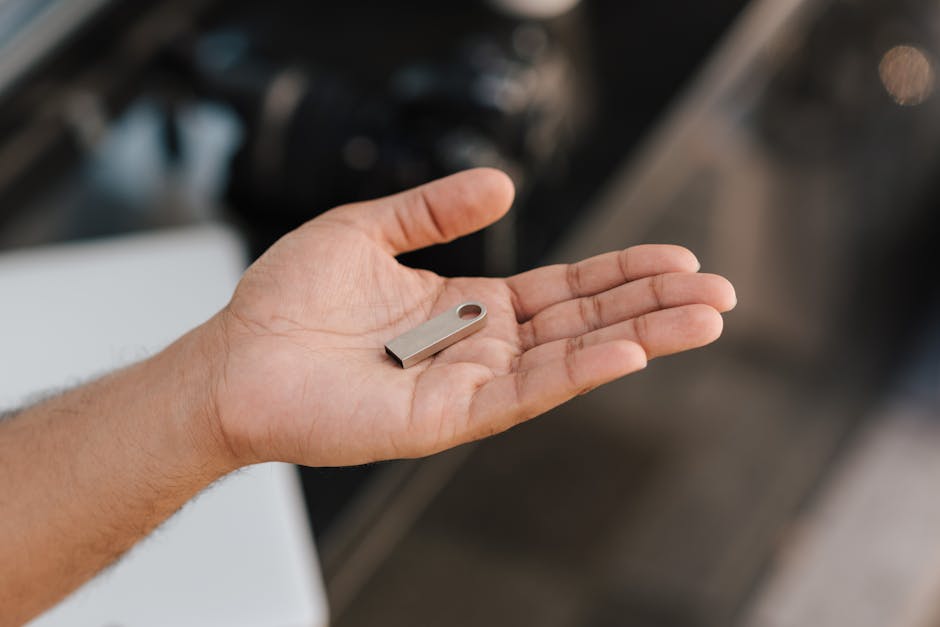
Sentry Mode and Dashcam are only as reliable as the drive behind them, and that drive lives a brutal life: continuous writes, cabin heat, and constant overwriting. A cheap thumb drive will corrupt or die within months. Here is what actually holds up in 2026, and how the three main options compare.
Why Most Drives Fail
Sentry Mode never stops writing while armed. Standard consumer flash uses low-endurance memory rated for occasional use, not surveillance duty. Add a hot parked cabin and you get dropped clips, "format USB" errors, and dead drives.
The fix is endurance, not just capacity. Look for high-endurance memory and enough headroom that the drive is not constantly rewriting the same cells.
The Three Options Compared
| Drive type | Endurance | Speed | Heat tolerance | Cost | Verdict |
|---|---|---|---|---|---|
| High-endurance USB drive | High | USB 3.0+ | Good | $ | Best all-rounder |
| Portable SSD | Highest | Very fast | Excellent | $$$ | Best for heavy use |
| microSD in reader | Low to medium | Varies | Weak | $ | Avoid for Sentry |
High-Endurance USB Drive: The Best All-Rounder
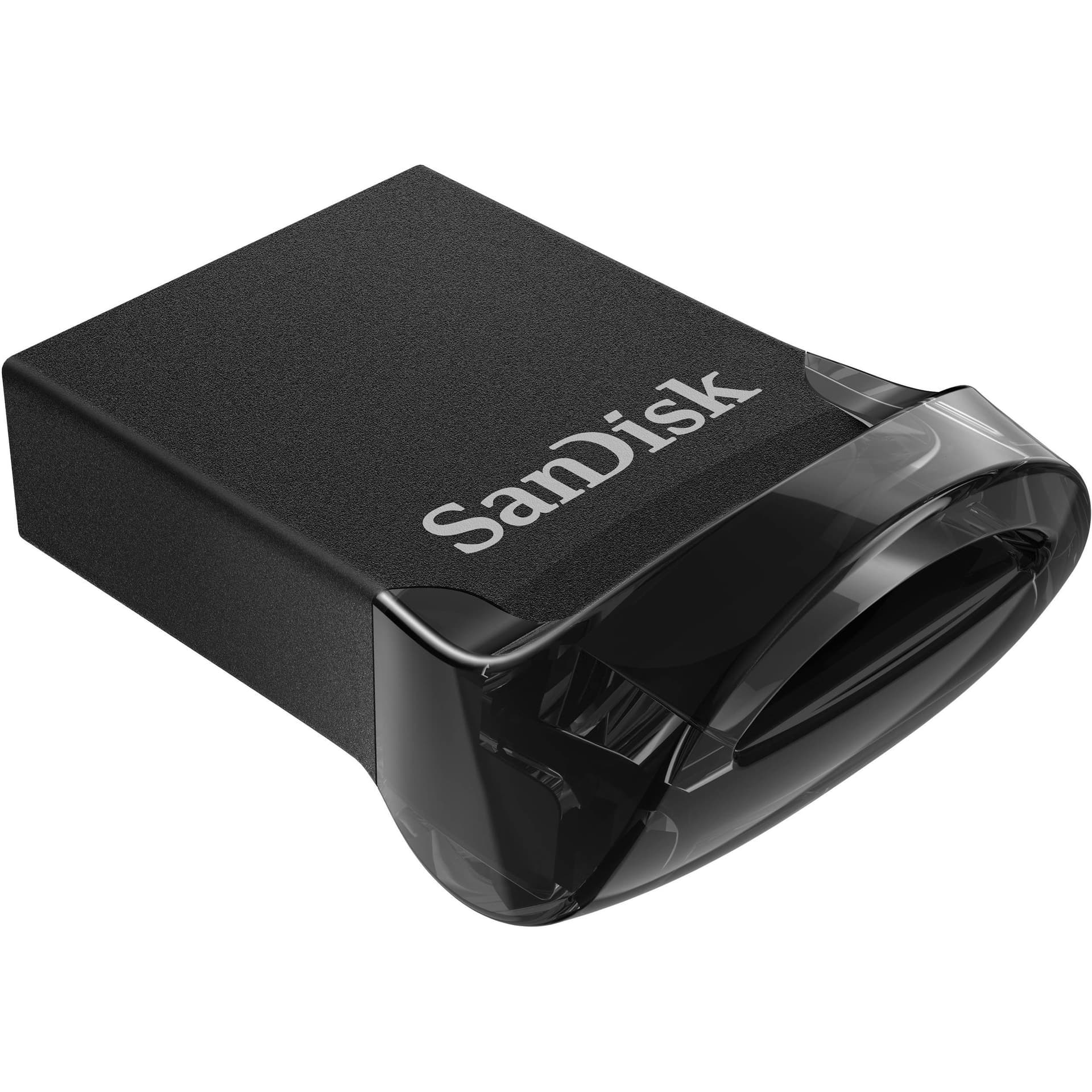
A purpose-built, pre-formatted high-endurance drive like our Tesla-Optimized USB Drive, 256GB is the sweet spot for almost everyone. It is rated for constant writes, plugs straight in, and needs no setup. It is a budget-friendly reliable answer; confirm the current seller price before ordering.
Choose this if: you want it to just work, set and forget.
Portable SSD: The Heavy-Use Pick
An external SSD offers the highest endurance and the fastest write speeds, so it shrugs off Sentry duty and handles long recording windows with room to spare. The trade-offs are cost and a dangling cable to tuck away.
Choose this if: you record constantly, want years of life, or run a high-resolution multi-camera setup.
microSD in a Reader: Skip It
microSD cards are cheap but tend toward low endurance and poor heat tolerance, exactly the wrong traits for a hot cabin under constant writes. Fine for a camera, risky for Sentry.
Choose this if: never, for Sentry. Use it elsewhere.
Capacity: How Much Do You Need?
- 128GB: minimum, expect frequent overwrites
- 256GB: the recommended sweet spot for most owners
- 512GB or more: for heavy Sentry users and longer history
More capacity also spreads writes across more cells, which extends drive life. Bigger is genuinely better here.
Free Up Your Cabin Ports
Sentry storage shares the same ports you use for charging. A 4-port glove box USB hub adds dedicated ports so your drive stays plugged in out of sight while your phone charges up front.
Quick Setup Recap
- Format as exFAT
- Create a folder named TeslaCam at the root
- Plug into the glove box port (Model 3/Y) or console (Model S/X)
- Enable Sentry Mode under Controls, Safety
- Confirm it records by walking past the car
For the full walkthrough, see our Sentry Mode and Dashcam USB setup guide.
Bottom Line
For most owners, a 256GB high-endurance USB drive is the right buy: reliable, affordable, and zero fuss. Step up to an SSD only if you record heavily and want maximum lifespan. Whatever you choose, replace it every year or two, because Sentry Mode wears out even good drives eventually.
Last updated: June 2026
EV Drip may earn a commission if you buy through links on this page, at no extra cost to you. Our editorial work is research-based unless a page documents a hands-on test.
Frequently Asked Questions
What does the Best Sentry Mode Storage 2026: USB Drives vs SSDs guide cover?
Sentry Mode writes constantly, and the wrong drive dies fast. Here is how USB drives, SSDs, and microSD cards really compare for Tesla in 2026.
Related Products
ChargeHub
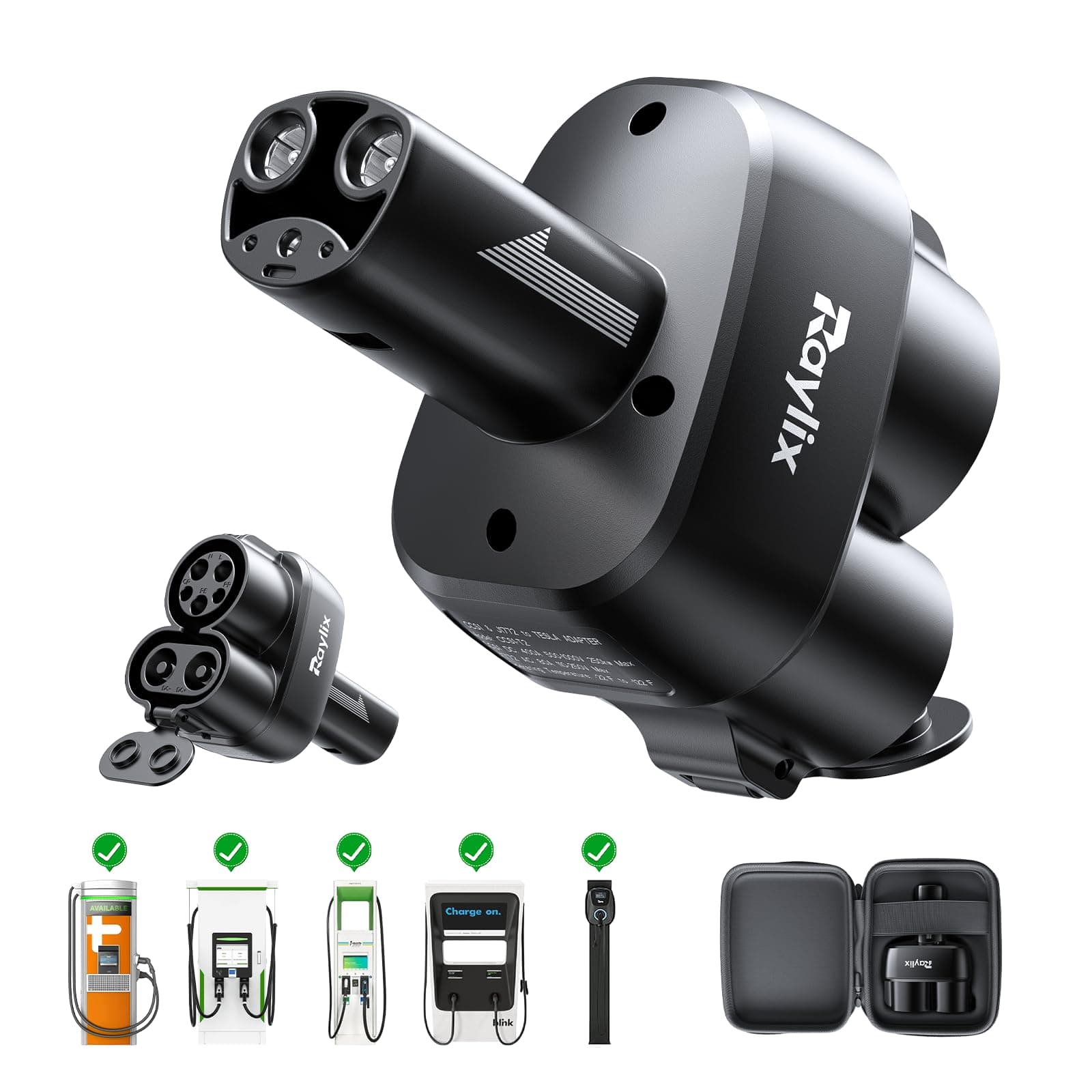
J1772 to Tesla Charging Adapter
SureView
Tesla-Optimized USB Drive (256GB)
PowerPlus
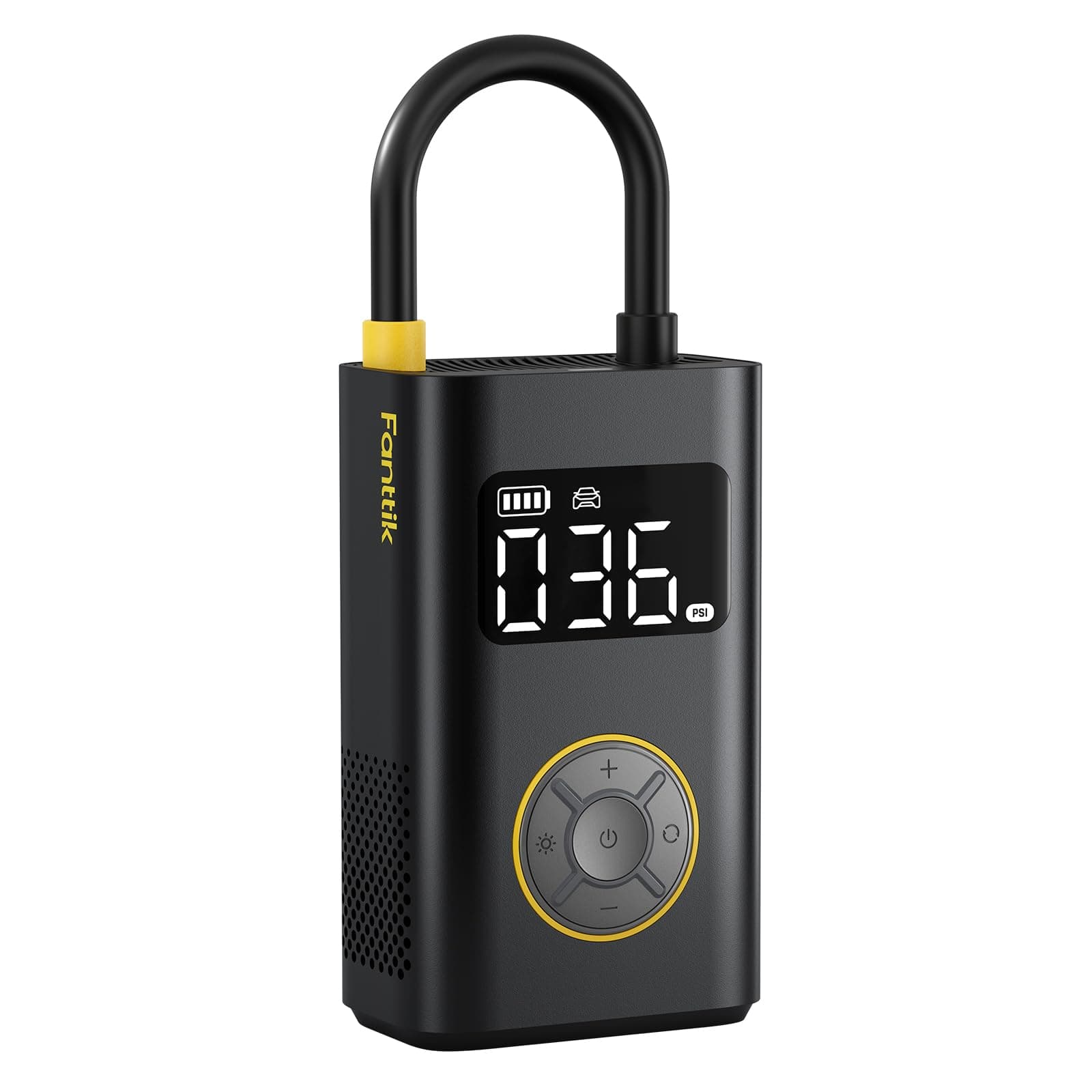
Portable Tire Inflator
ChargeHub
CCS Combo Charging Adapter
EV parts deals & new guides
Optional EV parts deals and buying guides. Unsubscribe anytime.
By subscribing you agree to our Terms and Privacy Policy.