Guide
Tesla Wireless Charger & Phone Mount Buying Guide
Wireless pad or magnetic mount? A clear buying guide to Tesla phone charging — Qi vs Qi2/MagSafe, wattage, port requirements, and the right pick for your Model 3, Y, S, or X.
Your Tesla already has a phone dock, so why buy anything? Because the factory tray works for one phone position, slows down when it gets warm, and leaves you reaching for the console at a red light. A good aftermarket setup either fixes the charging or fixes the sightline. The right answer depends on which one bugs you more.
The Options at a Glance
| Option | Type | Best For | Install | Price |
|---|---|---|---|---|
| Console charging pad | Qi/Qi2 charging | Cars whose factory tray is slow or full | Plug-and-set | $ |
| Magnetic vent/pillar mount | MagSafe hold, no charge | Eyes-up navigation | Clip or adhesive | $ |
| Magnetic charging mount | Qi2/MagSafe + charge | One mount that does both | Needs powered port | $ |
Charging Pad vs. Magnetic Mount
A charging pad sits flat in the console and tops up any Qi phone you lay on it. It is the better pick if your problem is power, not position. Our console wireless charger replaces or supplements the factory tray and keeps cables hidden. The trade-off: your phone lies flat, so you cannot glance at directions without picking it up.
A magnetic mount snaps your phone to a vent, screen pillar, or stalk, holding it upright in your line of sight. A bare magnetic phone mount is the cheapest fix and the right call if you charge overnight and just want navigation at eye level. Charging mounts combine both, but they pull power, which is the catch below.
Qi, Qi2, and MagSafe
Qi is the original flat-pad standard, but alignment is loose, so charging slows if the phone slides off-center. Qi2 adds a ring of magnets, the same idea Apple ships as MagSafe, so the phone clicks into the correct spot and holds firmly enough to mount vertically. Qi2 or MagSafe is what makes a charging mount's magnetic hold and charging coil line up. A plain magnetic mount uses those magnets to hold the phone but pushes no current.
The Powered-Port Problem (and Model Differences)
Any aftermarket pad or charging mount needs a powered USB port. This is where the car matters:
- Model 3 and Model Y (newer builds) put USB-C in the console; older refreshes used USB-A. Check before buying a cable.
- Model S and Model X vary by year, mixing USB-A and USB-C front ports.
Match the accessory's cable to the port you have. If your front ports are already spoken for by a dashcam or passenger, a glove box USB hub frees up power without dangling wires across the cabin. For a fuller first-week walkthrough, see the new Tesla 30-day setup plan.
Heat and Charging Speed
Wireless charging makes heat, and heat throttles speed. A phone in a sunny console with a thick case charges slower than the rated wattage no matter what the box claims. Higher-wattage pads help mainly with fast top-ups; for an all-day trickle, a modest pad runs cooler. Vent-mounted mounts often run cooler than flat pads because air moves past them.
Before You Buy
- Confirm whether your console ports are USB-A or USB-C
- A magnet-mounted phone needs a MagSafe case or stick-on ring
- Thick or metal cases can block wireless charging entirely
- Leave a powered port free, or add a hub, before a charging mount
- For eye-level navigation only, a non-charging mount is cheaper and cooler
Last updated: June 2026
EV Drip may earn a commission if you buy through links on this page, at no extra cost to you. Our editorial work is research-based unless a page documents a hands-on test.
Frequently Asked Questions
Should I buy a wireless charging pad or a magnetic phone mount for my Tesla?
Buy a charging pad if your problem is slow or unavailable power, since it tops up any Qi phone laid flat in the console. Buy a magnetic mount if you charge overnight and just want navigation held upright in your line of sight, which a flat pad cannot do.
What is the difference between Qi, Qi2, and MagSafe?
Qi is the original flat-pad standard with loose alignment, so charging slows if the phone drifts off-center. Qi2 adds a magnetic ring (the same idea as Apple's MagSafe) that clicks the phone into the right spot and holds it firmly enough to mount vertically.
Does an aftermarket wireless charger need a USB port in my Tesla?
Yes. Any aftermarket pad or charging mount must draw from a powered USB port, so confirm whether your console has USB-A or USB-C before buying a cable. If your ports are already used by a dashcam or passenger, a glove box USB hub frees up power without dangling wires.
Why does my Tesla wireless charger slow down or stop charging?
Wireless charging generates heat, and heat throttles charging speed, so a phone in a hot, sunny console with a thick case will charge below its rated wattage. A thick or metal case can block charging entirely, and vent-mounted chargers often run cooler than flat console pads.
Related Products
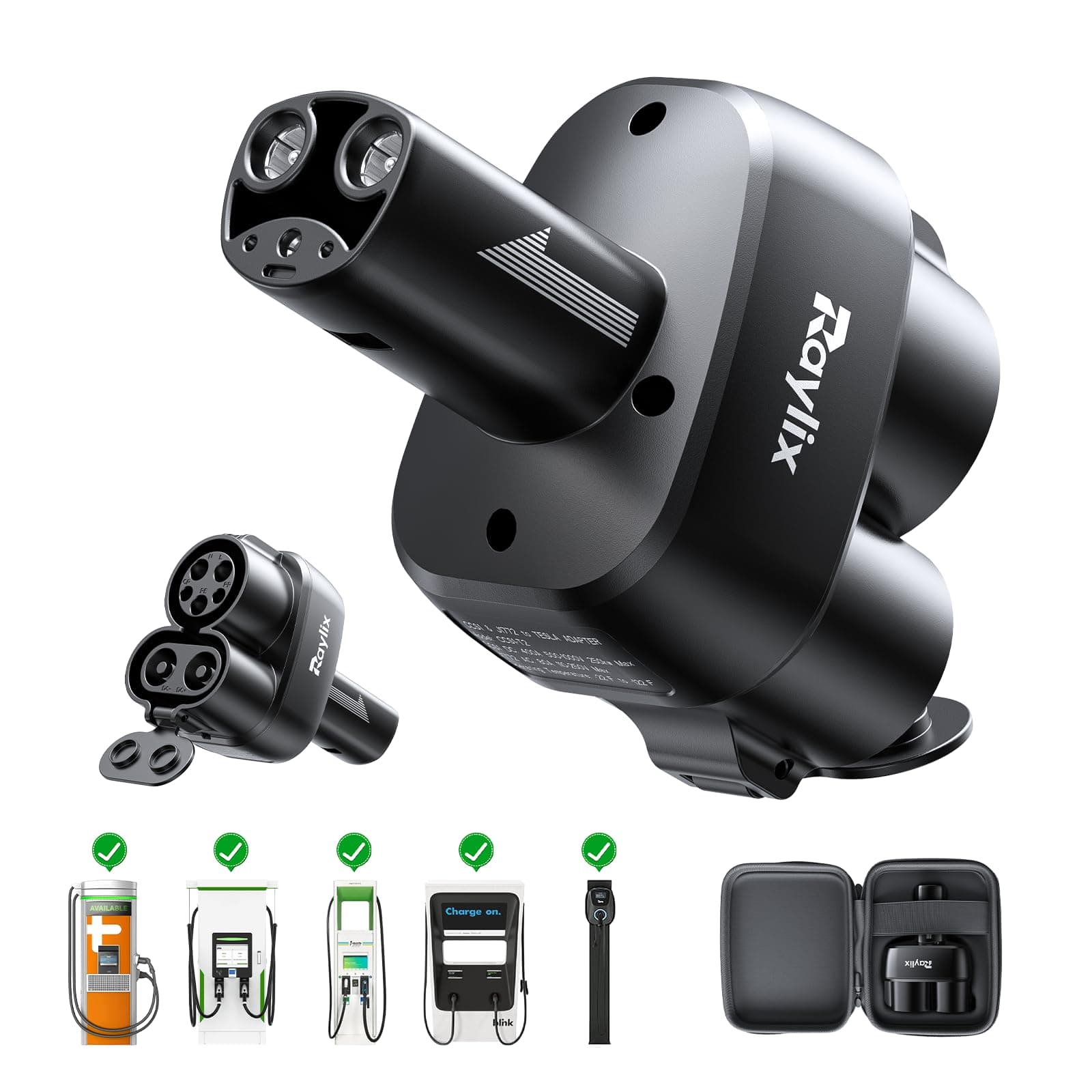
ChargeHub
J1772 to Tesla Charging Adapter
SureView
Tesla-Optimized USB Drive (256GB)
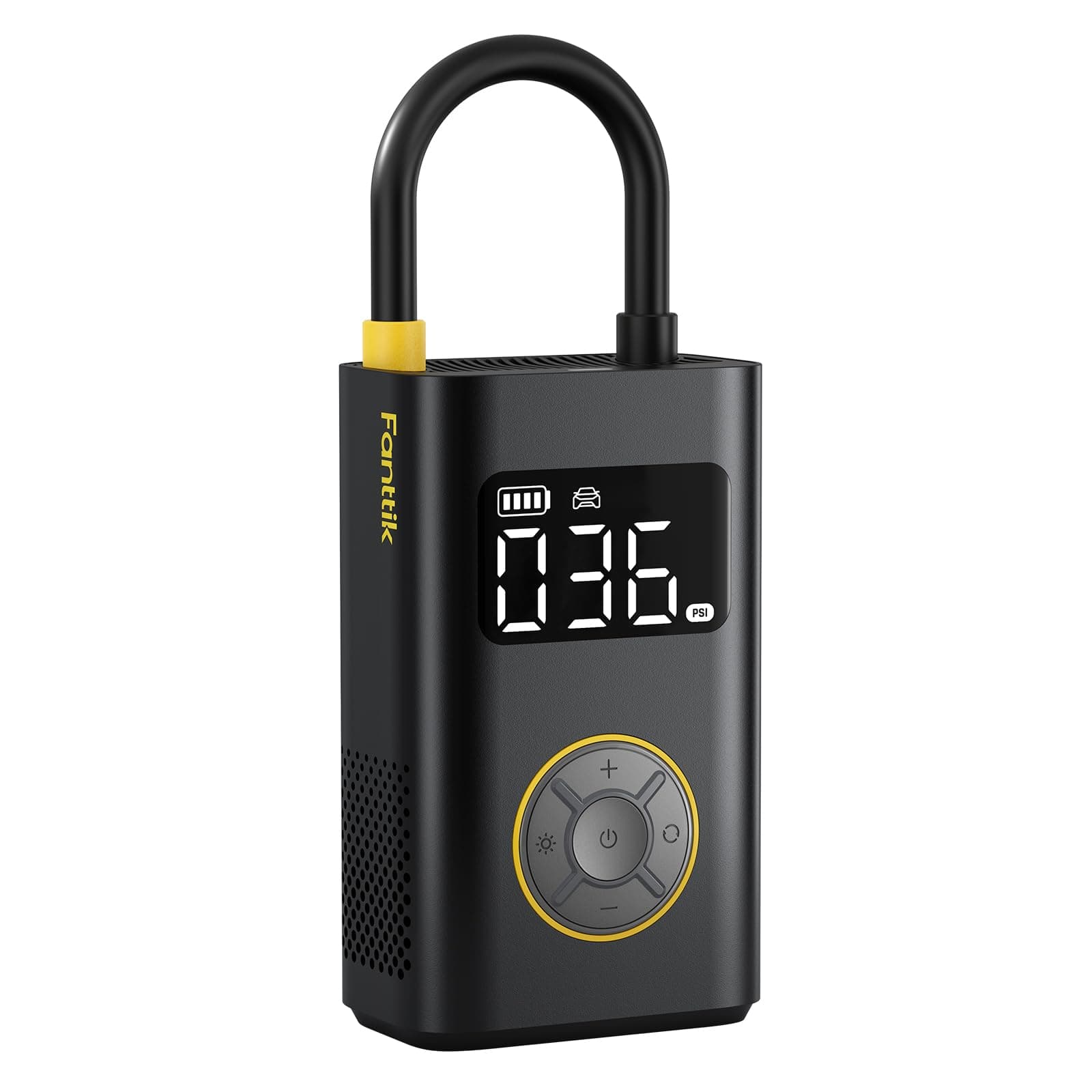
PowerPlus
Portable Tire Inflator
ChargeHub
CCS Combo Charging Adapter
EV parts deals & new guides
Optional EV parts deals and buying guides. Unsubscribe anytime.
By subscribing you agree to our Terms and Privacy Policy.