Guide
Tesla Screen and Tech Protection: Protectors, Chargers and Hubs Compared
The center display runs your whole Tesla. Here is how to protect it and round out your cabin tech with the right charger, hub, and mount.
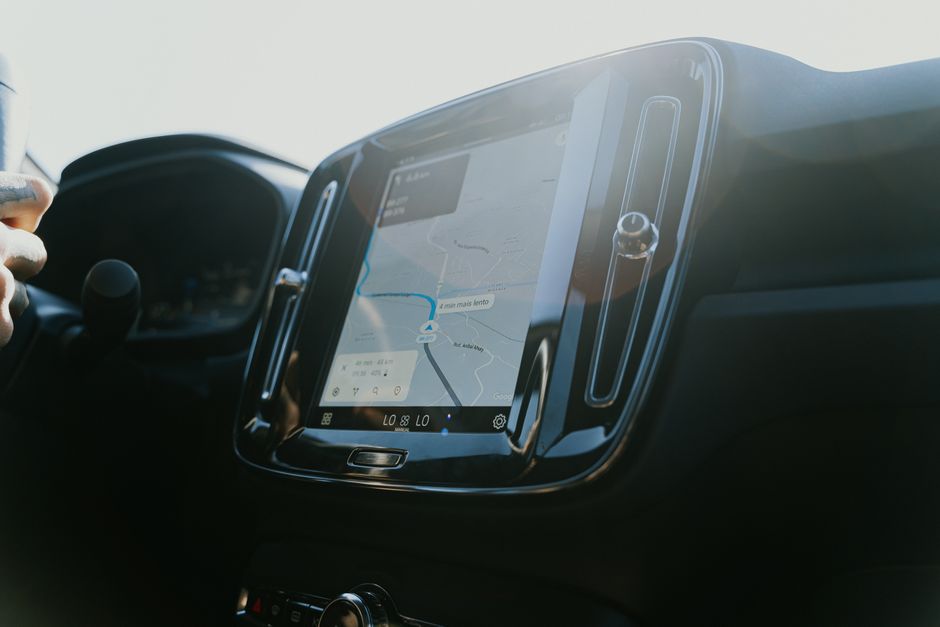
In a Tesla, the touchscreen is not just a screen, it is the climate control, the speedometer, the media system, and the settings menu all at once. A scratch or a bad glare washout is a daily annoyance. A few cheap pieces of cabin tech protect that investment and make the car nicer to live with.
Start With the Screen
Tempered Glass vs Film
Two kinds of protector exist for the center display:
| Type | Protection | Clarity | Anti-glare | Cost |
|---|---|---|---|---|
| Tempered glass (9H) | Best, resists scratches and impacts | Excellent | Available matte | $ |
| PET film | Basic scratch resistance | Good | Limited | Lower |
For the main display, a 9H tempered glass screen protector is the clear winner. The anti-glare, anti-fingerprint finish kills the worst of the sun washout and keeps smudges down. It installs bubble-free in a couple of minutes.
Why it matters:
- Stops scratches from rings, keys, and cleaning
- Cuts glare so you can read the screen in direct sun
- Hides fingerprints that pile up on a touch-only interface
Charge Smarter
A wireless pad keeps your phone topped up without a tangle of cables. A center console wireless charger drops into the console and delivers 15W fast charging to any Qi phone, so your phone is full and ready to act as your key when you arrive.
Look for:
- 15W fast charge support
- A snug, console-specific fit
- Foreign-object and overheat protection
Add Ports, Lose the Clutter
Tesla's cabin ports do double duty: they charge devices and feed Sentry Mode storage. Plug a drive in and you have lost a charging port. A 4-port glove box USB hub fixes that by adding dedicated ports for your Sentry drive, tucked out of sight, so the front ports stay free.
Keep Your Phone in View
A magnetic MagSafe phone mount holds your phone at eye level for navigation without blocking a vent or covering the display. The 360-degree aluminum head adjusts to any angle and the magnets are strong enough for rough roads.
The Complete Tech Bundle
Together, these four form a budget-conscious cabin setup: protect the screen, charge the phone, expand storage ports, and keep navigation visible. Start with the screen protector; it is inexpensive insurance for one of the cabin's most important surfaces.
For getting your Sentry storage right, pair the hub with our Sentry Mode storage guide.
Last updated: June 2026
EV Drip may earn a commission if you buy through links on this page, at no extra cost to you. Our editorial work is research-based unless a page documents a hands-on test.
Frequently Asked Questions
What does the Tesla Screen and Tech Protection: Protectors, Chargers and Hubs Compared guide cover?
The center display runs your whole Tesla. Here is how to protect it and round out your cabin tech with the right charger, hub, and mount.
Related Products
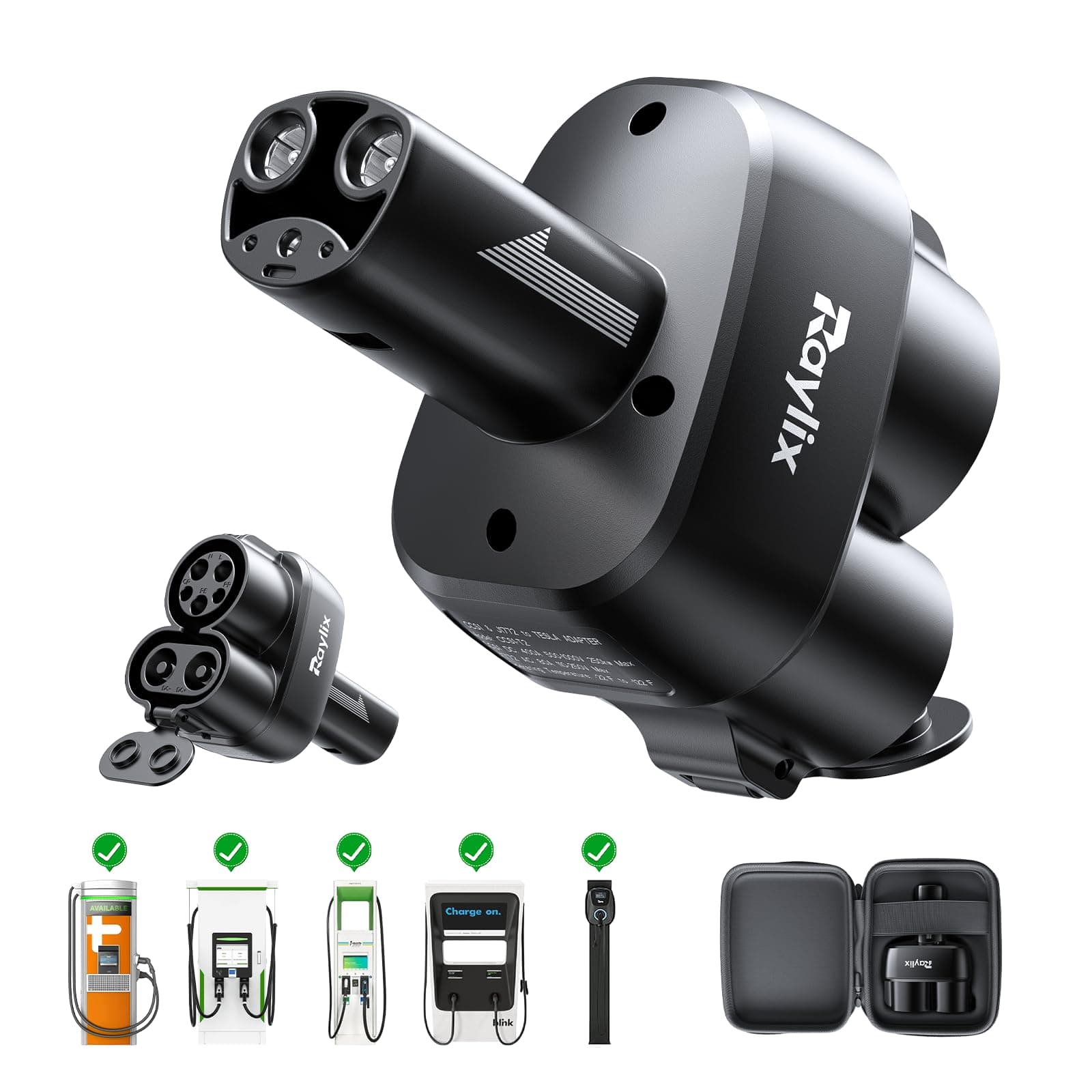
ChargeHub
J1772 to Tesla Charging Adapter
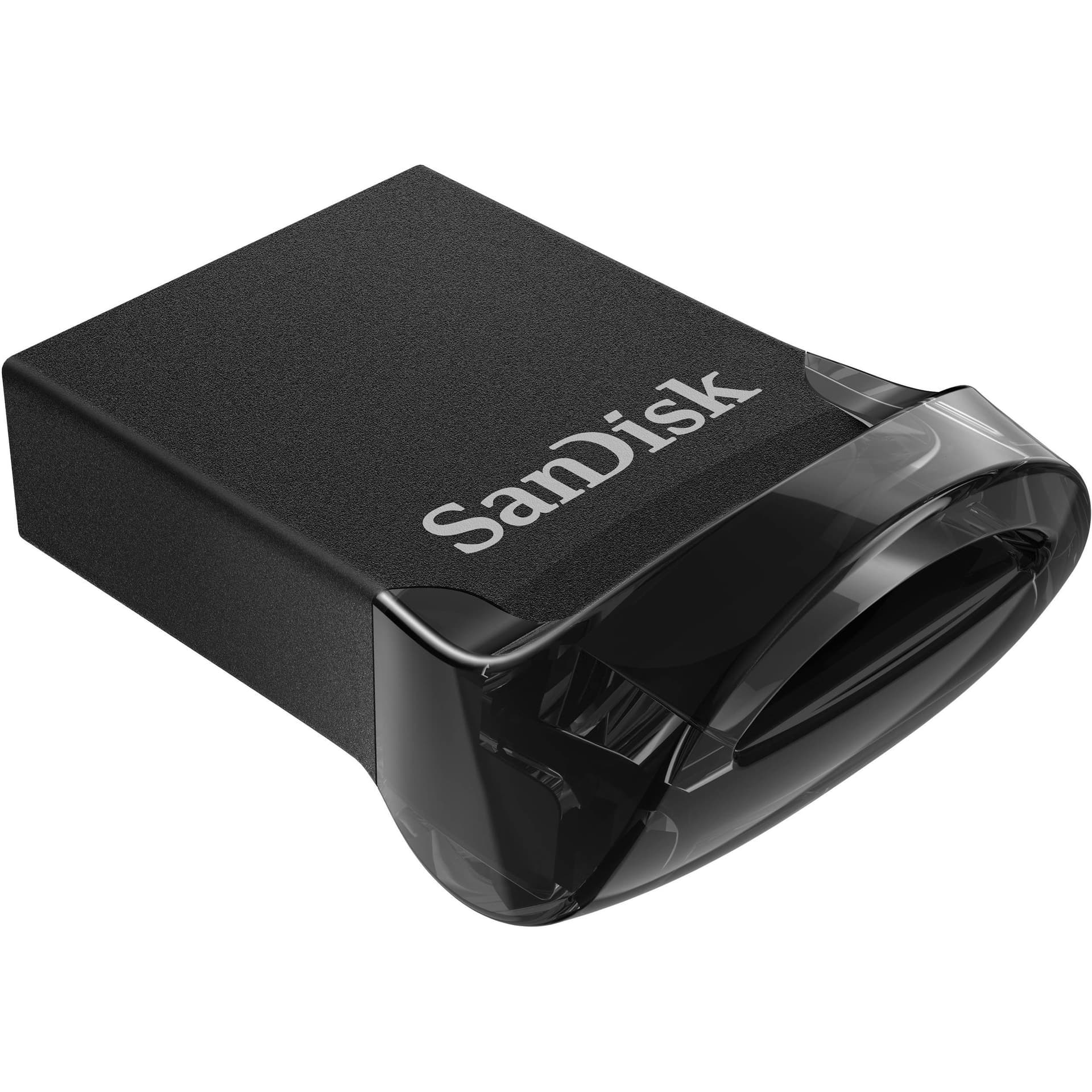
SureView
Tesla-Optimized USB Drive (256GB)
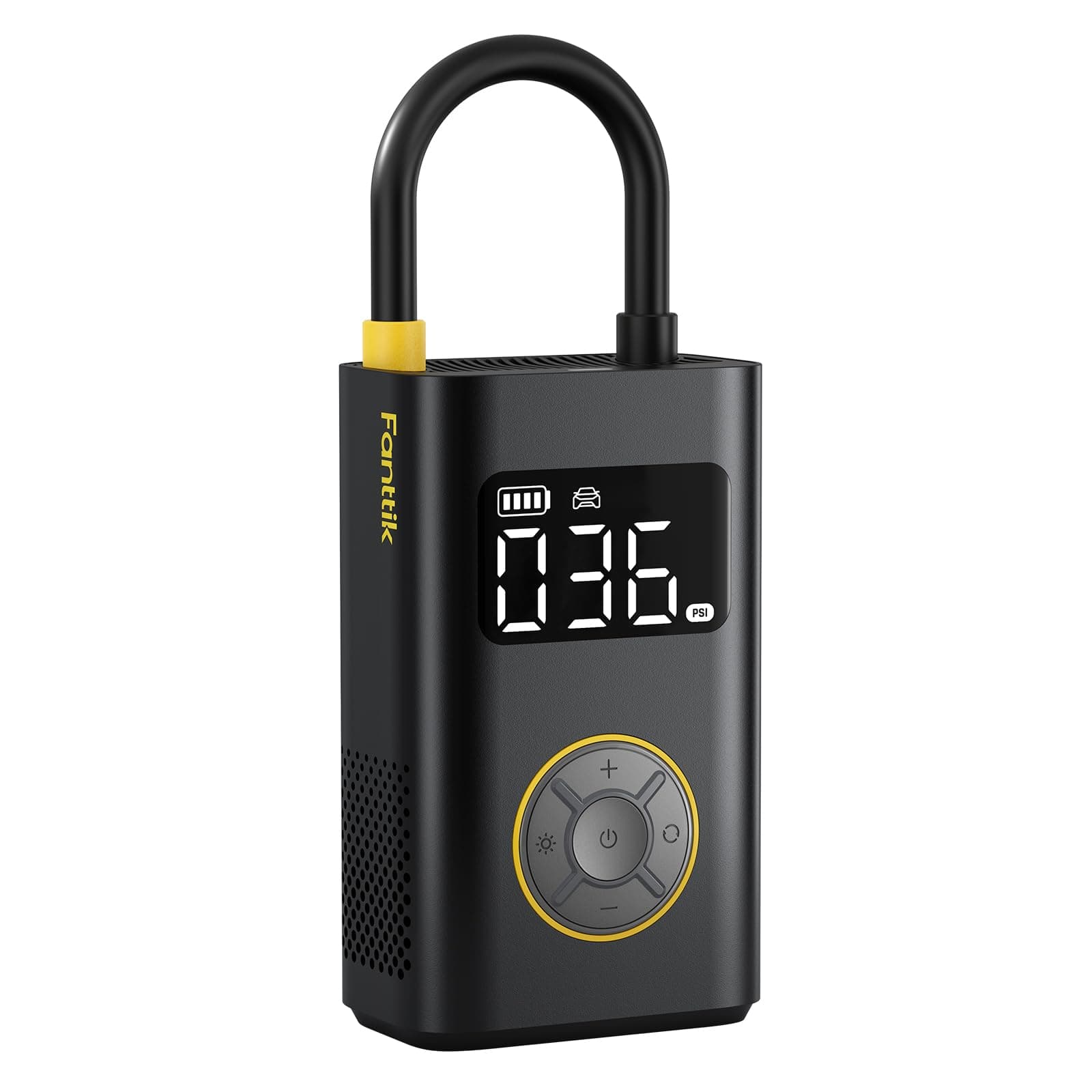
PowerPlus
Portable Tire Inflator
ChargeHub
CCS Combo Charging Adapter
EV parts deals & new guides
Optional EV parts deals and buying guides. Unsubscribe anytime.
By subscribing you agree to our Terms and Privacy Policy.